Open API Imprion POS - connect any external system
You connect the online store, ERP or your own application directly to the Imprion POS via an open API.


Open API for Imprion POS
Connect the cash register to your systems
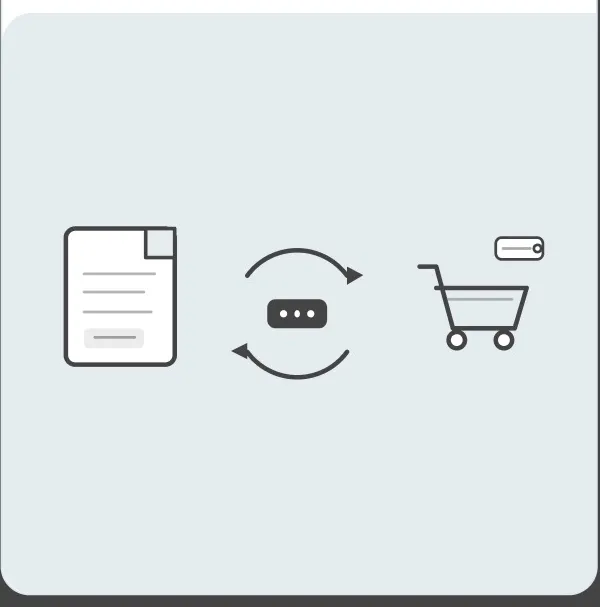
The open API enables two-way data transfer between the Imprion POS and external systems. No rewriting and no duplication – products, inventory, invoices and sales stay aligned across all connected systems.
No data duplication
Real-time data
Changes are automatically transferred between the cash register and the connected system via API, eliminating manual rewriting and reducing the possibility of errors.

Two-way transmission
From external system to checkout in seconds
Data flows both ways – from the cash register to your systems and back – eliminating duplicate entry and speeding up background work.
Everything connected in one place
Uniform data in all systems
Products, stocks, invoices and sales are coordinated through the API in the cash register and connected systems, which enables a complete overview of the data.
Check how it works in practice
You want to connect your systems to Imprion POS?
In our demo center, you can check how Imprion POS connects your existing systems via API, reduces data duplication and speeds up work. We are happy to show you how the connection works and prepare a solution for your business.
How API connection works
From the external system to the cash register in one flow
External systems connect to your normal workflow through an API. Data is transmitted bidirectionally and remains synchronized. The entire process – from system connection to data synchronization – takes place via the Imprion POS cash register.
Definition of needs
Together, we determine which data and systems you want to connect.
API access
You receive API access with authentication and technical documentation.
Development and connection
Your or our developer connects the external system to the Imprion POS via API.
Testing the connection
Let's check two-way data transfer, edge cases and synchronization correctness.
Start in production
After everything is checked, we integrate the connection into the live environment.
The price of integration
API access as an add-on v Imprion POS
Access to the API can be activated in Imprion POS as a paid module. You can turn it on at any time - during the initial implementation or later, depending on the growth of your business.
The price of integration
- Activation is possible with all packages
- Unlimited number of API calls
- Two-way data transfer
The open API in Imprion POS enables:
- Connection of any external systems
- Two-way transfer of products, inventory and invoices
- No manual rewriting of data
- Synchronization of sales in real time
- Fewer mistakes due to duplication
- Secure authentication with every call
Who is open API right for?
Designed for companies that want to connect the cash register with other systems
The open API of Imprion POS is intended for companies that want to connect sales data to their systems and manage them in one place. Whether you manage one location or several, the connection helps you simplify work and reduce administration.
Companies with an online store
For companies that want to connect the online store and cash register into one system with automatic synchronization of products and stocks.
- Synchronization of products and stocks between the store and the cash register
- Synchronization of sales in real time
Chains and multiple locations
Ideal for companies with multiple locations that want to consolidate sales data in a common system or database.
- A unified overview of the sales of all locations
- Automatic transfer of invoices to the common system
Companies with their own and ERP systems
For companies with their own applications or ERP systems, where reliable data transfer and process transparency are important.
- Better coordination of data between systems
- Fewer data transfer errors
Deployment process
Connect via API in a few steps
External systems connect to the Imprion POS via an API - with two-way data transfer and no duplication.
Contact the Imprion team
Call us or submit an inquiry via the form. Together, we define which data and systems you want to connect through the API.
API access
You receive access to the API with authentication and technical documentation, and we determine the best way to connect to your system.
Development and connection
Your or our developer connects the external system to the Imprion POS via API and establishes a secure two-way data transfer.
Testing the connection
We set up the data flow (products → inventory → invoices → sales) and make test calls. Let's check the transmission, time responses and the correctness of the synchronization.
Start in production
We include the link in the live environment. Data starts flowing automatically between your systems and Imprion POS.
Frequently asked questions
Open API questions
Find out how the open API works, what data you transfer to and from the cash register through it, and how to connect your external systems.
The open API enables connection of Imprion POS with any external system, for example an online store, ERP or own application.
After access is established, the developer connects the external system to the cash register via API, and data is then automatically exchanged between the two systems.
Imprion offers an open API with authentication and technical documentation, designed to connect products, inventory, invoices and sales with external systems.
Yes, data can flow in both directions – from the cash register to the connected system and back – preventing duplicate entry.
You can transfer products, inventory, invoices and sales data through the API.
Yes, the API is intended for connection with online stores, ERP systems and other proprietary applications.
Yes, you can combine data from multiple locations into a common system or database through the API.
Yes, the connection is made by your or our developer using the technical documentation you receive when you access the API.
Yes, you can monitor data transfers between systems and check that synchronization is correct.
Yes, since the data is transferred automatically, there is no manual copying between systems and thus the possibility of errors.
Data is transferred between the connected systems and the Imprion POS in real time.
Because it enables a secure, two-way and automated connection to any external system, without manual data copying.
The next step
You want to connect your systems to Imprion POS?
Contact us and we'll set up the API connection in a few days.