Clock PMS integration with Imprion POS – consumption of the guest attributed to the room
With one touch, the guest's spending in the restaurant, bar or wellness is assigned to the room and credited to the hotel account in Clock PMS.
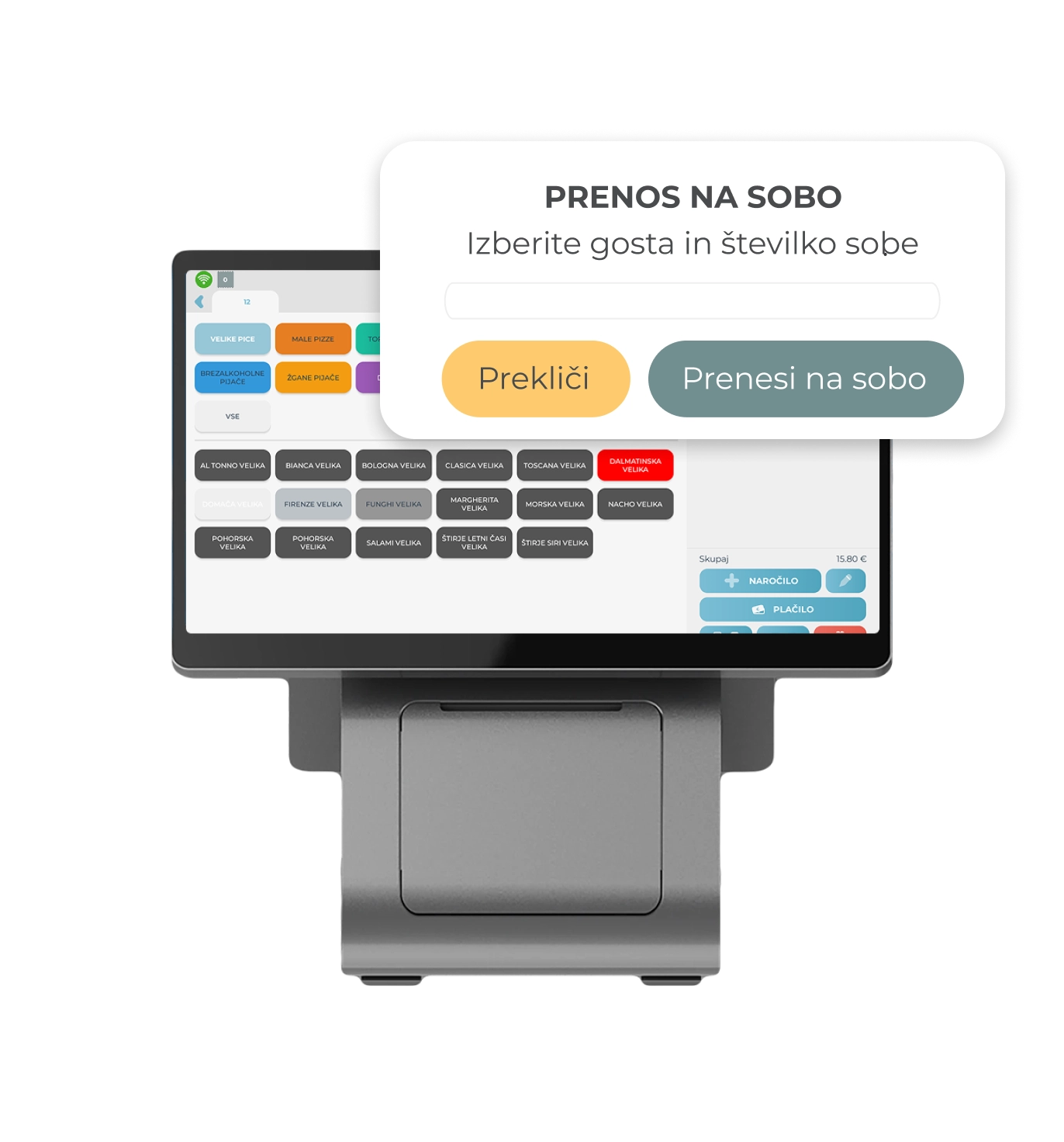

Clock PMS integration for Imprion POS
Connected cashier and reception
Clock PMS integration connects the hotel cashier with the management system. The guest's consumption is attributed to the room and automatically posted to the hotel account in Clock PMS - no rewriting and no errors, the whole process takes place within the connected system.
No manual input
One-touch room annotation
The staff applies the guest's spending to the room with one touch at the cash register, and the amount is automatically credited to the hotel account in Clock PMS - without manual transcription and with fewer errors.
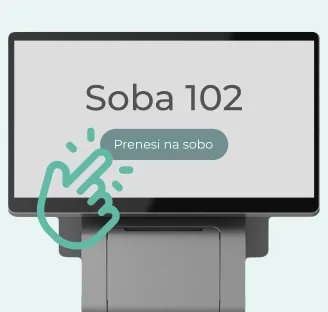
Up-to-date hotel bill
Spending on the hotel account in real time
Every guest's spending is recorded in Clock PMS on the fly, so the hotel account balance is always up-to-date, and settlement at check-out is quick and without coordination.
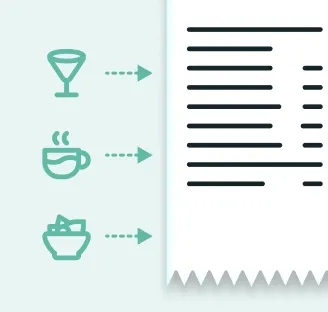
Connect POS and PMS in one place
Cash desk and hotel account connected
The points of sale in the hotel, the note on the room and the booking in the Clock PMS are connected, which enables a complete overview of the guests' spending from the order to the settlement at check-out.
Check how it works in practice
You want guest spending attributed to room v your cash register?
In our demo center, you can check how Imprion POS simplifies the attribution of consumption per room and posting to Clock PMS, reduces the number of errors and speeds up the work of the staff. We are happy to present the operation of the integration and prepare a solution for your hotel.
How the integration works
From ordering to checkout settlement
Guest spending is automatically integrated into your normal workflow. The staff processes it in the same way as other orders, except that it is assigned to the room. The entire process - from the order to the checkout settlement - takes place between the Imprion POS cash register and the Clock PMS.
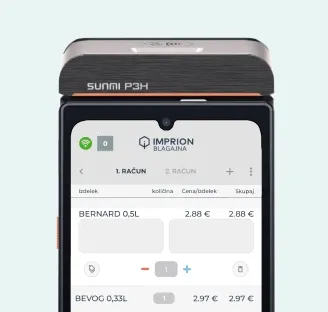
The guest orders
The guest orders food, drink or service at the point of sale in the hotel.
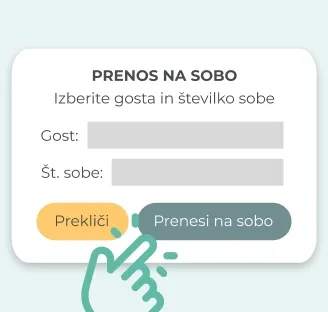
Note on the room
The cashier staff selects the guest's room and assigns the expenditure to it.
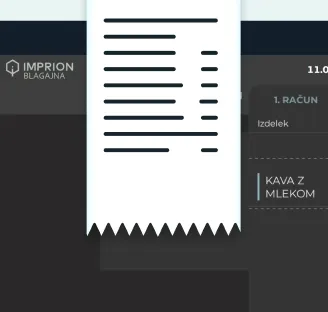
Posting to Clock PMS
The consumption amount is automatically credited to the guest's hotel account in Clock PMS.
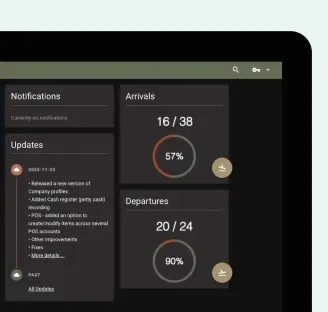
Up-to-date account balance
Consumption is immediately visible on the hotel account in Clock PMS, and the balance is always up-to-date.
Settlement at checkout
Upon check-out, the guest settles the entire expenditure together with the hotel bill at the reception.

The price of integration
Clock PMS integration as an addition to Imprion POS
You can activate the Clock PMS integration in Imprion POS as an additional chargeable module. The module can be included at any time - during the initial implementation or later, depending on the growth of your hotel.
The price of integration
- Activation is possible with all packages
- Unlimited number of annotations per room
- Connection of POS and Clock PMS
Clock PMS integration in Imprion POS enables:
- Appropriation of guest consumption per room
- Automatic posting of consumption to the hotel account in Clock PMS
- No manual copying between the cashier and the reception
- Up-to-date hotel account balance
- Fewer billing errors
- Connection of all points of sale in the hotel with Clock PMS
Who is Clock PMS integration the right choice for?
Designed for hotels and accommodations that want to connect guest spending with the front desk
Imprion Clock PMS integration is intended for hotels and accommodations with catering services that want to attribute guest consumption (food, drinks, services) to the room and post it to the hotel account. Regardless of whether you manage a small hotel or a large resort, integration simplifies your work and reduces administration.
Hotels
For hotels where guests charge restaurant and bar spending to the room and settle it together with the stay upon check-out.
- Appropriation of consumption per room and posting in Clock PMS
- Up-to-date hotel account balance
Resorts and wellness
Ideal for resorts and wellness centers with several points of sale, where guests book services and spending per room.
- Unified overview of guest spending
- Simple posting of consumption to the hotel account
Accommodation with catering
For accommodations with a restaurant or bar, where the connection of sales points with the reception and the transparency of the hotel bill are important.
- Better connection between sales points and reception
- Fewer errors when calculating consumption
Deployment process
Activate Clock PMS integration in a few steps
Guest spending is automatically posted from the Imprion POS to the hotel account in Clock PMS - no manual entry and no errors.
Contact the Imprion team
Call us or submit an inquiry via the form. Together we check your existing POS system, access to Clock PMS and technical conditions for connection.
Analysis of your system
We review your current settings and way of working (points of sale, rooms, hotel account) and determine the best way to connect to Clock PMS.
Activation of Clock PMS integration
Our technical team activates the Clock PMS module in your Imprion POS system and establishes a secure connection for posting consumption to the hotel account.
Settings and testing
We set up the flow of consumption (order → assignment to room → Clock PMS) and perform a test assignment. We check the synchronization, time responses and the correct balance of the hotel account.
Start in production
We integrate the integration into the live environment. Guest spending starts automatically posting from Imprion POS to hotel accounts in Clock PMS.
Frequently asked questions
Questions about Clock PMS integration
Learn how integration with Clock PMS works, how guest spending is assigned to the room and posted to the hotel account, and how to simplify checkout settlement.
The Clock PMS integration allows the staff to assign the guest's consumption in the restaurant, bar or wellness to the room with one touch, and the amount is automatically credited to the hotel account in the Clock PMS.
The guest orders at the point of sale, the staff at the checkout selects his room and assigns the consumption to it, and the amount is automatically posted to Clock PMS.
Yes, room registration is done with one touch directly in the Imprion POS, without switching to another system.
Yes, the consumption attributed to the room is credited to the hotel account and settled by the guest together with the stay at check-out.
Yes, any consumption attributed to the room is automatically displayed on the hotel bill in Clock PMS in real time.
Yes, the staff can pay part of the amount immediately at the cash desk, and credit the rest to the guest's room.
Yes, the integration connects all points of sale in the hotel (restaurant, bar, wellness) with the same hotel account in Clock PMS.
Yes, the reception can check the up-to-date status of the consumption attributed to each room at any time.
Yes, because consumption is posted automatically, there is no need for manual copying between the cash register and the reception, and the possibility of billing errors.
Consumption is transferred to Clock PMS as soon as the staff assigns it to the guest's room.
Yes, the integration supports an unlimited number of annotations per room and the connection of several points of sale, which also suits larger hotels and resorts.
Because the points of sale and the reception are connected in one system — without manual copying, with an up-to-date hotel invoice and fewer errors.
The next step
Want Clock PMS integration in your cash register?
Contact us and we will activate the integration within a few days.